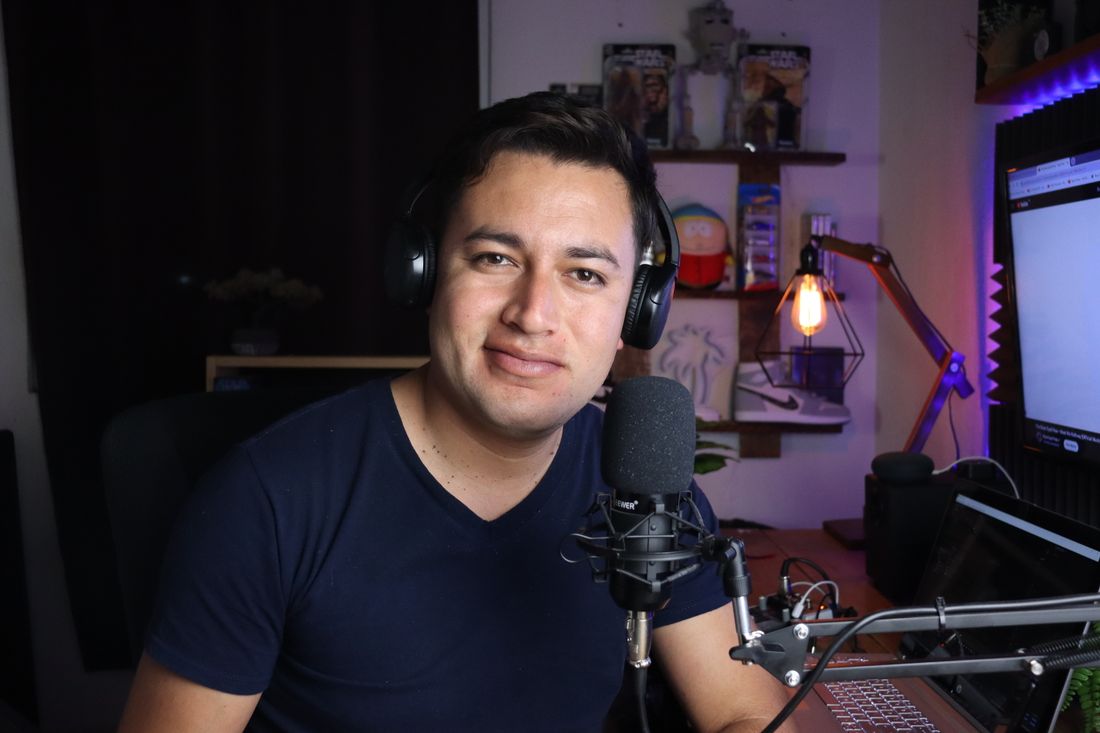
Bring your video.
Start with a podcast, interview, or tutorial. Open your recording and get straight to the editor.
MP4 · MOV · WebMMake captioned clips from your podcasts, interviews, and tutorials.
Ready for TikTok, Instagram Reels, and YouTube Shorts.
Free editor preview. No signup needed.
One conversation.
More than one good moment.
PODCASTS, INTERVIEWS & TUTORIALS
See how a conversation becomes a short.
Watch the examples. Try the edit yourself.
Tap any clip to pause. Make it yours in the editor. Muted stock footage · illustrative captions.
FROM RECORDING TO READY
You’ve already done the hard part.
Make more of the video you have.
Start with a podcast, interview, or tutorial. Open your recording and get straight to the editor.
MP4 · MOV · WebMChoose a complete thought. Adjust the cut, frame your subject, and add captions in your style.
Trim · Reframe · CaptionReview your clip and download it. Your next post starts with a recording you already made.
Review · Export · ShareCAPTIONS & FRAMING
Keep the speaker in frame and the words easy to read. Adjust the format and captions before you export.
Bold captions with a yellow highlight.
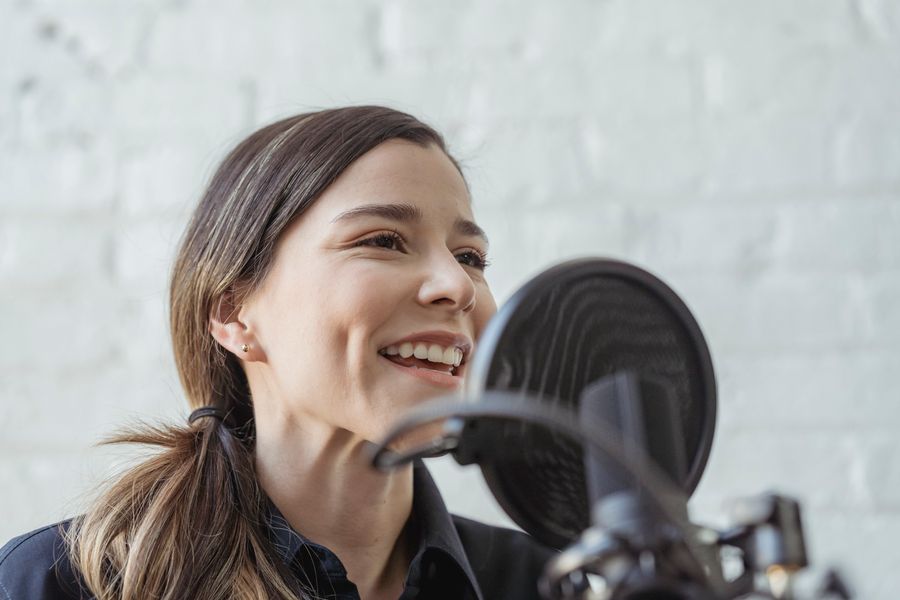 STYLE PREVIEW
GOOD CLIPS. CLEAR PRICES.
Start with the plan that fits what you record.
The same editing essentials, with more room as you grow.
Creator fits up to 6 hours of source video.
A little content. A steady presence.
USD · billed monthly at launch
Try the free preview60 clipsat 30 seconds each
A couple of recordings a month.
Make room for your weekly rhythm.
USD · billed monthly at launch
Try the free preview180 clipsat 30 seconds each
A regular show, with room to spare.
More recordings. More to work with.
USD · billed monthly at launch
Try the free preview360 clipsat 30 seconds each
A growing library of conversations.
Clip counts illustrate the export allowance.
Usable moments depend on your recording.
PLANNED IN EVERY PAID PLAN
| Monthly allowance | Starter | Creator | Studio |
|---|---|---|---|
| Price, USD | $15 | $29 | $49 |
| Source video | 120 min | 360 min | 720 min |
| Finished clips | 30 min | 90 min | 180 min |
| Maximum source length | 90 min / video | 90 min / video | 90 min / video |
| Maximum file size | 2 GB | 2 GB | 2 GB |
| Launch export format | 1080p MP4 | 1080p MP4 | 1080p MP4 |
Subscriptions aren’t open yet. The preview uses manual clipping, draft caption timing, and 720p WebM export. AI suggestions, speech-aligned captions, and MP4 rendering are planned for launch.
A FEW GOOD QUESTIONS
Open your own video, choose clip boundaries, change the crop, add draft captions, and export a WebM clip. Or use the sample to explore the editor. AI selection and speech transcription aren’t connected yet.
We’re starting with podcasts, interviews, and educational videos. The preview accepts MP4, WebM, and browser-compatible MOV files up to 2 GB and 90 minutes. Individual clips can be 1–60 seconds long.
Account connections and scheduling are planned. For now, download your clip and upload it yourself. This preview doesn’t connect to or post on any social account.
No. This local preview opens the video in your browser. Your media and its edits last for the current session. Sample edits are saved in this browser, and you can download an edit plan for your own files.
Source minutes measure the length of recordings you bring in. Clip minutes measure the total duration of finished exports. For example, 30 export minutes can hold sixty 30-second clips or thirty 60-second clips. This describes capacity, not how many usable moments a recording will produce.
No. The prototype is free to explore and doesn’t collect payment details. The prices above are proposed launch plans, not active subscriptions.
THERE’S MORE IN THAT RECORDING.
No account required for the preview.
CLIPSNACK STUDIO
Bring a recording. Leave with something worth sharing.
A podcast, an interview, a lesson.
Start with the video you already have.
Up to 90 minutes · files stay on this device
Trim it. Style it. See exactly what you can make.
4 curated clips with a stock photo and fictional captions.
Choose the cut. Check the captions. Make it fit.
Find the moment. Fine-tune the details.
No clips here yet. Choose another filter.
Suggested margins. Platform overlays vary. Guides stay out of your export.
Check the beginning and ending before you export.
SOURCE CONTEXT
Write or correct your captions, then choose a style.
Draft captions are spaced evenly. Speech transcription is planned.
Save your caption style, format and framing for the next clip.
Keep your subject in view as you change formats.
Approve your edits to enable export.